Before the redesign, you tell the crew how the new site should feel and pick one of three style boards.
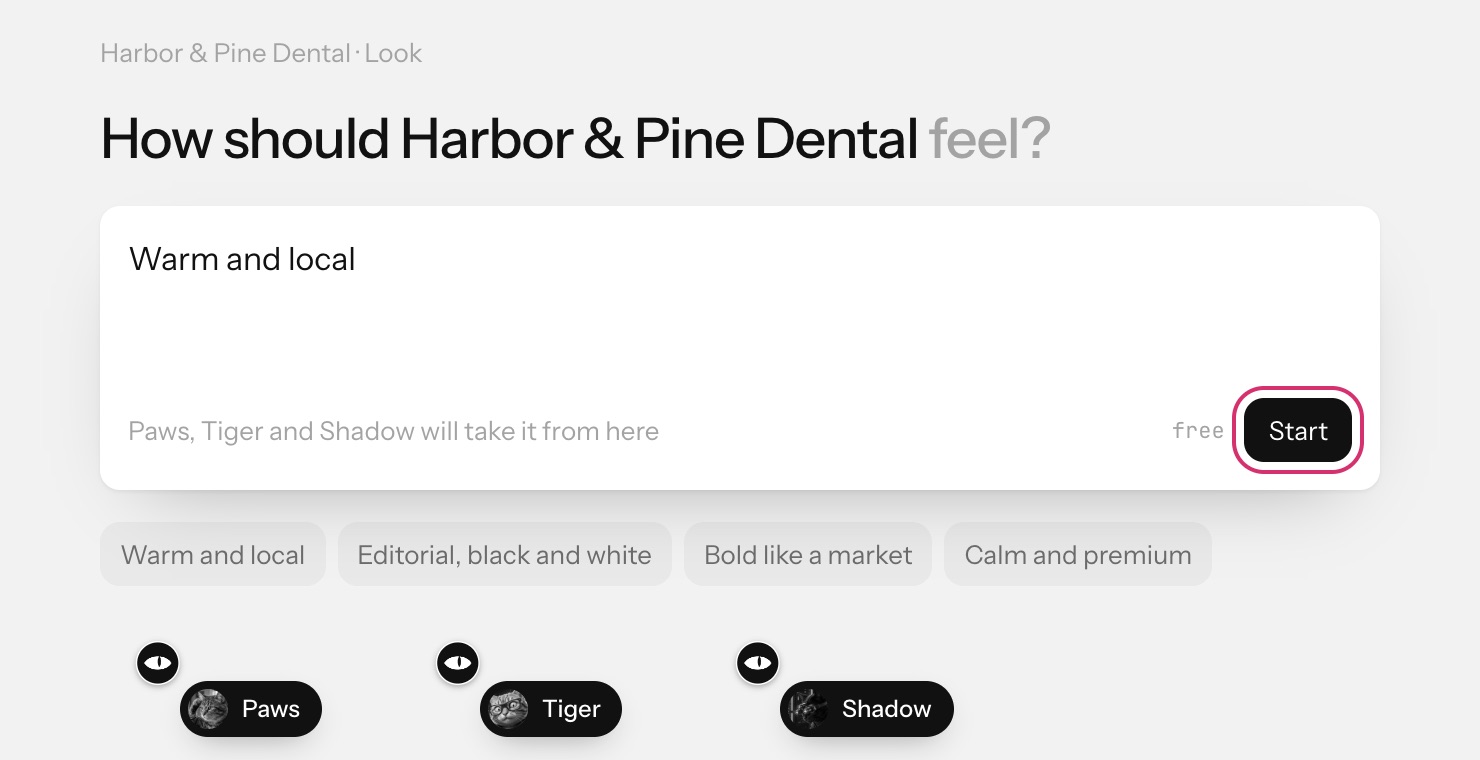
Pick a look
- On the Look step, describe the feeling in the box, or click a suggestion such as Warm and local, Editorial, black and white, Bold like a market or Calm and premium.
- Press Start. It's free. Paws, Tiger and Shadow come back with three boards.
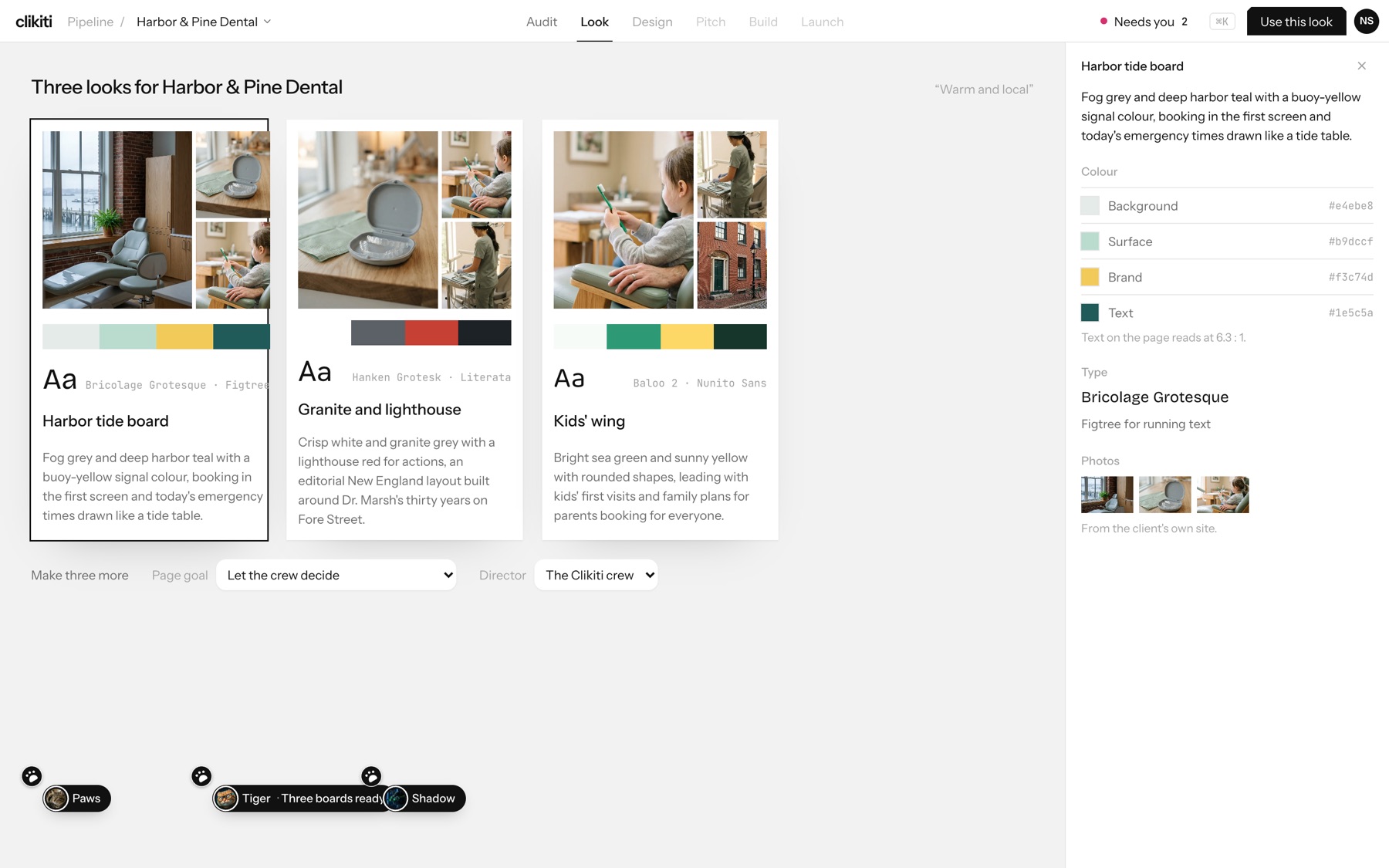
- Click a board to see its details in the side panel, then press Use this look.
What a board shows
- Colour: background, surface, brand and text colours with their hex codes, and how readable the text is (for example 6.3 : 1).
- Type: the heading font and the font for running text.
- Photos: taken from the client's own site.
Not quite right? Make three more under the boards, with a Page goal and a Director to steer them. Next: Generate the redesign.