When the client says yes, press Mark as won. The business moves to Won and opens on the Build step.
Build the site
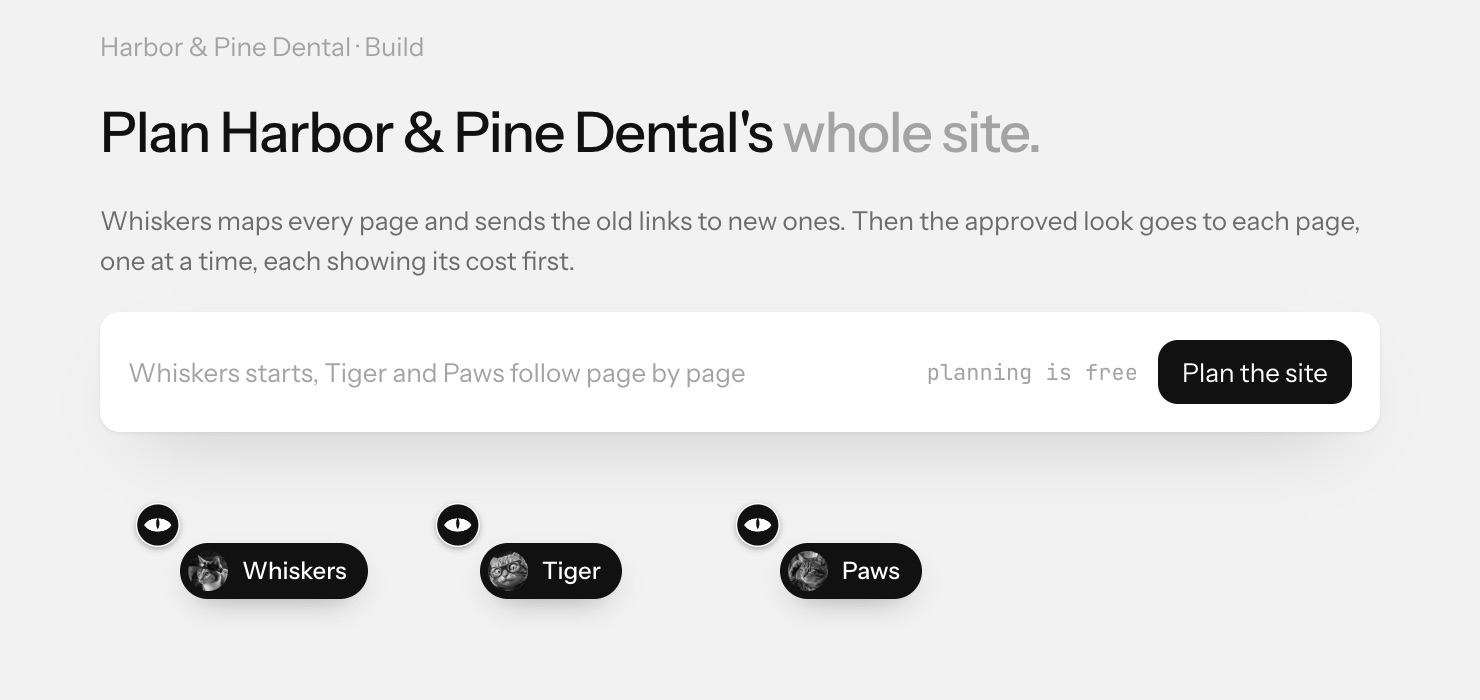
- Press Plan the site. Planning is free.
- Whiskers maps every page of the old site and sends the old links to new ones, so nothing breaks.
- The approved look then goes to each page, one at a time, with Tiger and Paws. Each page shows its cost before it is built.
- When every page is ready, press Ready to launch to move to Launch and put the site live.