Find prospects searches for local businesses with websites worth redoing and adds them to your Pipeline as prospects.
How to use it
- Open Pipeline.
- Press Find prospects in the box at the top.
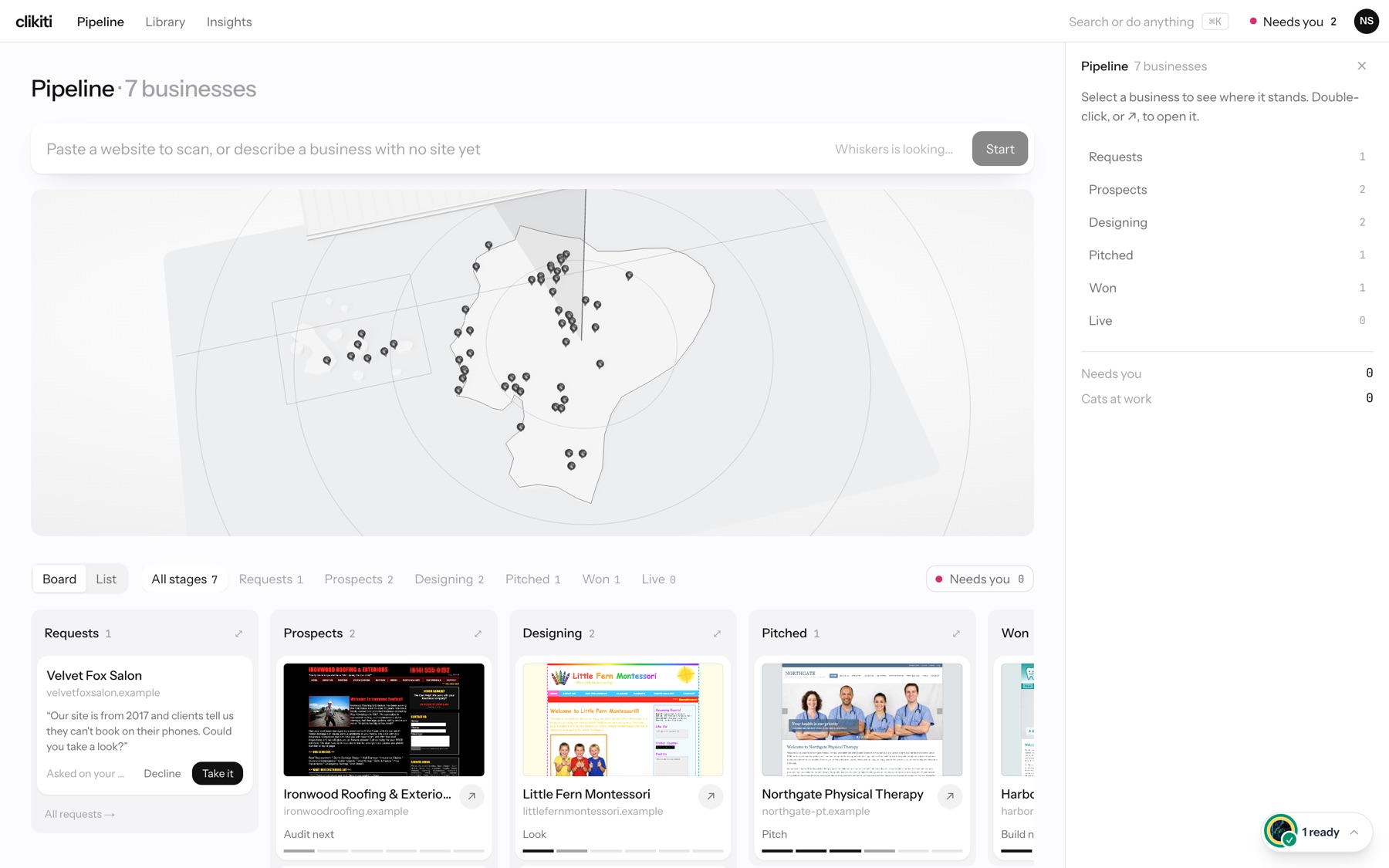
- Whiskers searches the map. Pins show the businesses found; the box reads Whiskers is looking… until the search is done.
- New businesses appear in the Prospects column with Audit next under them. Open one to start its audit.
Tip: the side panel on the right keeps a count of businesses in every stage, so you can see the new ones arrive.