An audit scans a business's current website and tells you, in about twenty seconds, what to say to the owner first.
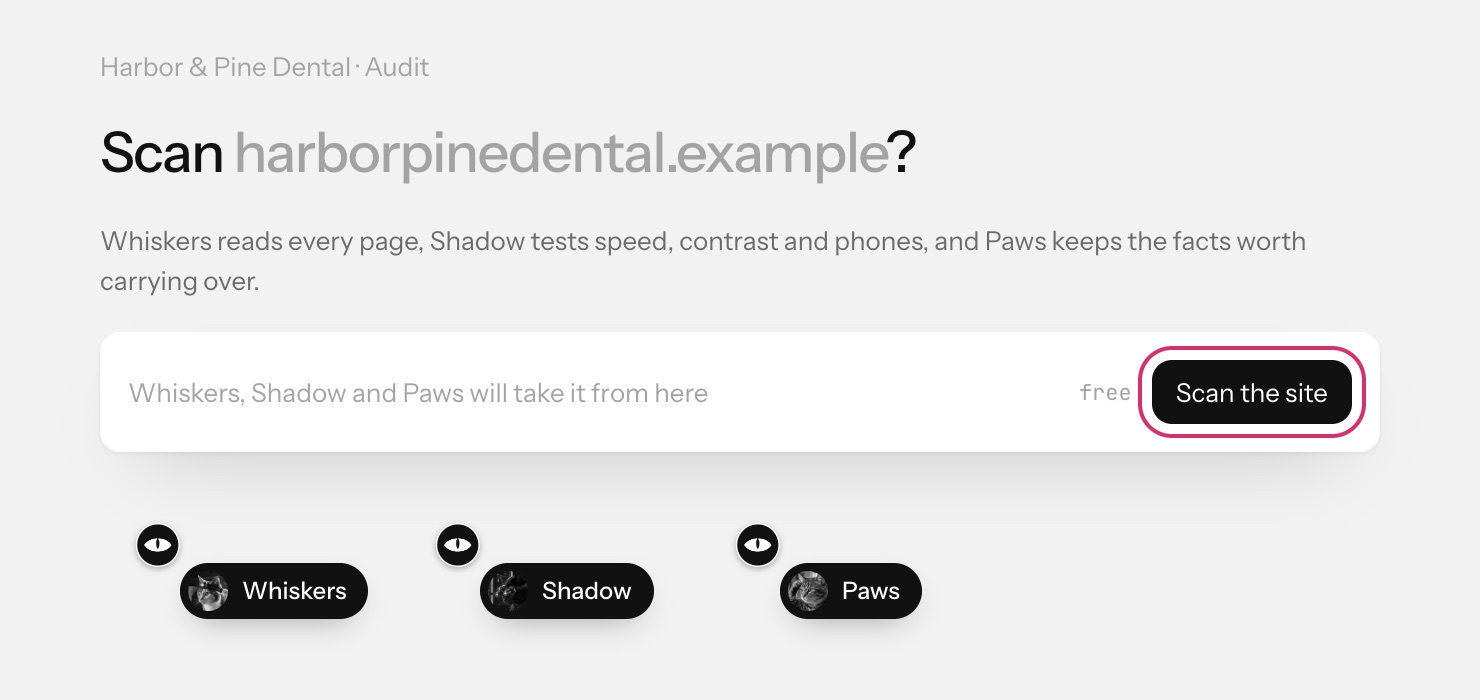
Run an audit
- Open the business from your Pipeline. It opens on the Audit step.
- Press Scan the site. Scanning is free.
- The crew gets to work: Whiskers reads every page, Shadow tests speed, contrast and phones, and Paws keeps the facts worth carrying over into the new site.
What you get
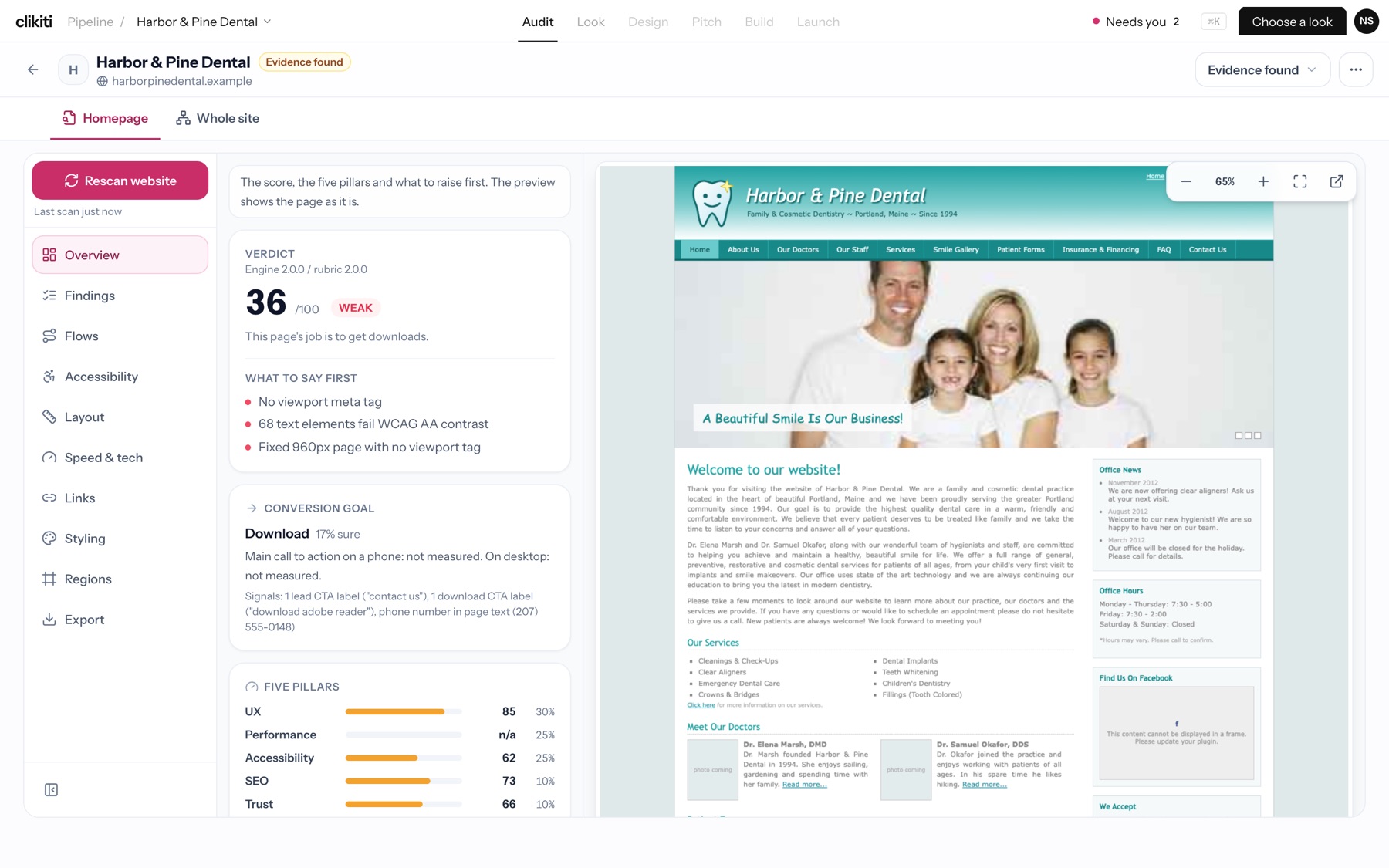
- Verdict: a score out of 100 with a label, for example 36 / 100, Weak.
- What to say first: the two or three problems that will matter most to the owner.
- Conversion goal: what the page is trying to get visitors to do, and how sure the crew is.
- Five pillars: UX, Performance, Accessibility, SEO and more, each scored and weighted into the total. A pillar with no data is left out, never guessed.
- Preview: the page as it is today, with zoom and full-screen controls.
Use Homepage or Whole site at the top to switch scope, and Rescan website to run it again. When you have seen enough, press Choose a look. Next: Read the findings.